Brand Typography: Font Selection and Application
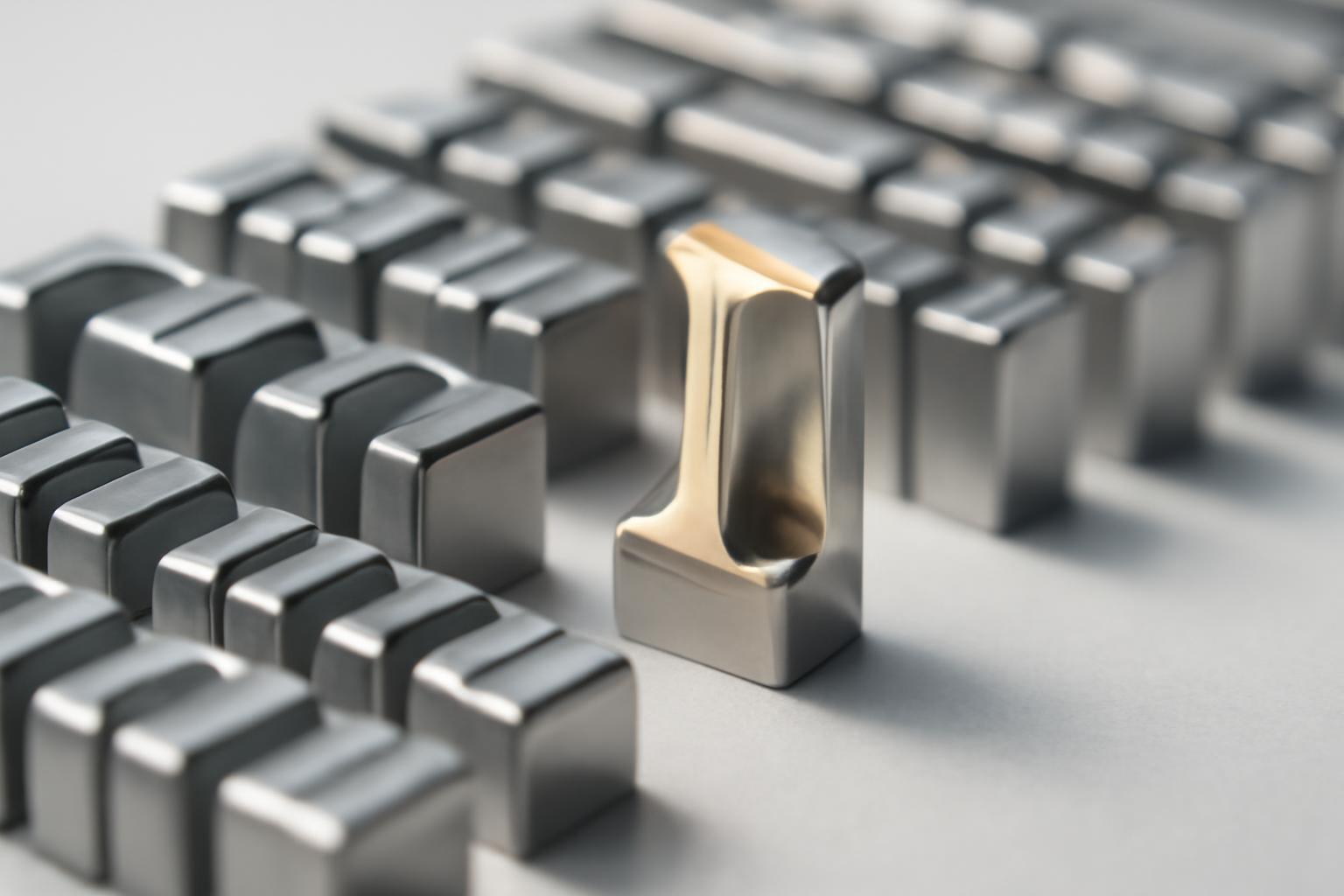
Where the Conversation About a Brand Font Begins
Usually, people approach typography not out of love for letters, but out of a problem: the logo looks expensive, but the website and presentations look like everyone else's. The font is what people see more often than the logo: in interfaces, in correspondence, in banner ads on the road. It shapes the brand impression even when colors and images are not visible. That is why choosing a typeface is not an aesthetic decision by a designer, but a strategic business decision that affects the perception of professionalism and reading speed.
When a Custom Font Is Needed, and When a Ready-Made One Is Enough
There is no universal rule that 'everyone needs their own font' — this is a myth that costs small companies dearly. There are three real strategies, and the choice between them is determined by the scale of the business, the level of competition, and on how many platforms the brand will exist.
| Strategy | When It Is Justified | Example |
|---|---|---|
| Purchasing a License for a Ready-Made Font | Local business, small and medium scale, limited budget | Most regional brands |
| Customization of an Existing Typeface | Entering a broad market, high competition, need for recognition without huge costs | Medium and large companies during rebranding |
| Developing a Font from Scratch | Global scale, dozens of languages and platforms, licenses cost more than development | Netflix Sans, Yandex Sans, Dropbox Sharp Grotesk |
Yandex developed its Yandex Sans for two and a half years — this is not about a trend, but about the necessity of supporting Cyrillic, Latin, and multiple languages across dozens of devices with the same quality. Dropbox went even further and created Sharp Grotesk with 259 variations to have unlimited flexibility in scaling the brand identity — from a mobile icon to a billboard. If you have just one website and an offline point in one city, such an investment simply wouldn’t make sense: the return on investment only comes with a global or very dense brand presence.
How to build a hierarchy: three roles in a font system
A system of 2-3 typefaces only works when each font has a clearly defined function, not because "articles recommend it".
- Brand Font (heading) — the most expressive font in the system, carrying the brand's character. Used sparingly: headings, slogans, large accents.
- Reading Font (main) — neutral, maximally readable font for large volumes of text: articles, interfaces, documents.
- Accent Font (accidental) — an optional third font for highlighting numbers, quotes, price tags, or buttons. Not always needed, and its absence is normal, not a flaw.
An error that occurs in almost every second branding brief — trying to make the heading font also accidental. It starts working everywhere and immediately loses expressiveness where it should catch the eye.
Mobile typography: what changes on a small screen
Desktop typography rules often don’t work at all on a phone. What is readable on a monitor in a second becomes a mess on a 6-inch screen.
| Parameter | Desktop | Mobile devices |
|---|---|---|
| Main text size | from 14px | 16-18px |
| Line spacing | 1.3-1.5x | 1.5-1.6x of font size |
| Line length | 50-75 characters | 30-40 characters |
A separate topic is Dynamic Type in iOS: the system allows users to increase the text size in the interface for better readability, and if a brand’s custom font doesn’t support this scaling, the app effectively becomes inaccessible to part of the audience. This is not a minor technical detail, but an accessibility issue of the product, often overlooked at the stage of choosing a font for a design system.
Variable fonts — a new way to solve the scaling problem
A distinct trend of recent years is variable fonts with axes for width, weight, and slant in a single file. Instead of a dozen separate typefaces, the team gets one flexible tool that adapts to the medium: a narrow variant for mobile menus, and a wide one for billboards. For example, Citymobil Sans uses five steps of width within a single variable font — this significantly simplifies designers' work and reduces the file size on the website.
Licenses and technical pitfalls
Even a perfectly chosen font can fail due to legal or technical details that are not considered at the brandbook approval stage.
- Language support. If a brand operates in markets with Cyrillic, Arabic, or Asian scripts — it's necessary to check whether these typefaces are available in the font family at all, not just in the Latin subset.
- OpenType features. Ligatures, alternative numerals, caps — without them, the design system loses part of its claimed flexibility in practice.
- Web performance. Heavy font files slow down website loading; on mobile internet, this directly impacts conversion rates.
- Rights of use. A 'website license' does not always cover applications, printed materials, or embedding in a product — this needs to be checked before signing the brandbook, not after launching a marketing campaign.
Common mistakes that prevent typography from working
Most of these issues repeat from brand to brand, and almost all of them are solvable at the guideline development stage.
- Using more than three typefaces in a system complicates information processing and can damage the brand's perception of professionalism by overcomplicating the visual hierarchy.
- Failure to test the font across different media: what looks beautiful on a website may not be readable on packaging or in an app interface.
- Ignoring adaptive parameters for mobile devices — fixed text size without accounting for Dynamic Type and other system settings.
- Purchasing an expensive license without analyzing the actual scale of the business — overpaying for features that will never be needed.
- Mixing font roles in the system, where a heading font is used for long texts, which tires the reader and breaks the hierarchy.
Brand typography works not when the font is 'beautiful', but when it withstands the load: dozens of languages, hundreds of screens, years of use without losing readability. The decision on a custom font, like the decision on its absence — is always a question of economies of scale, not the designer's taste.
Recent articles








MegaFon, BMW, VTB and more 240+ companies. See how it looks in the showcase reel:






Our branding agency is approached to order:
Branding agency services












