Logo for favicon and avatars: adaptation for small sizes
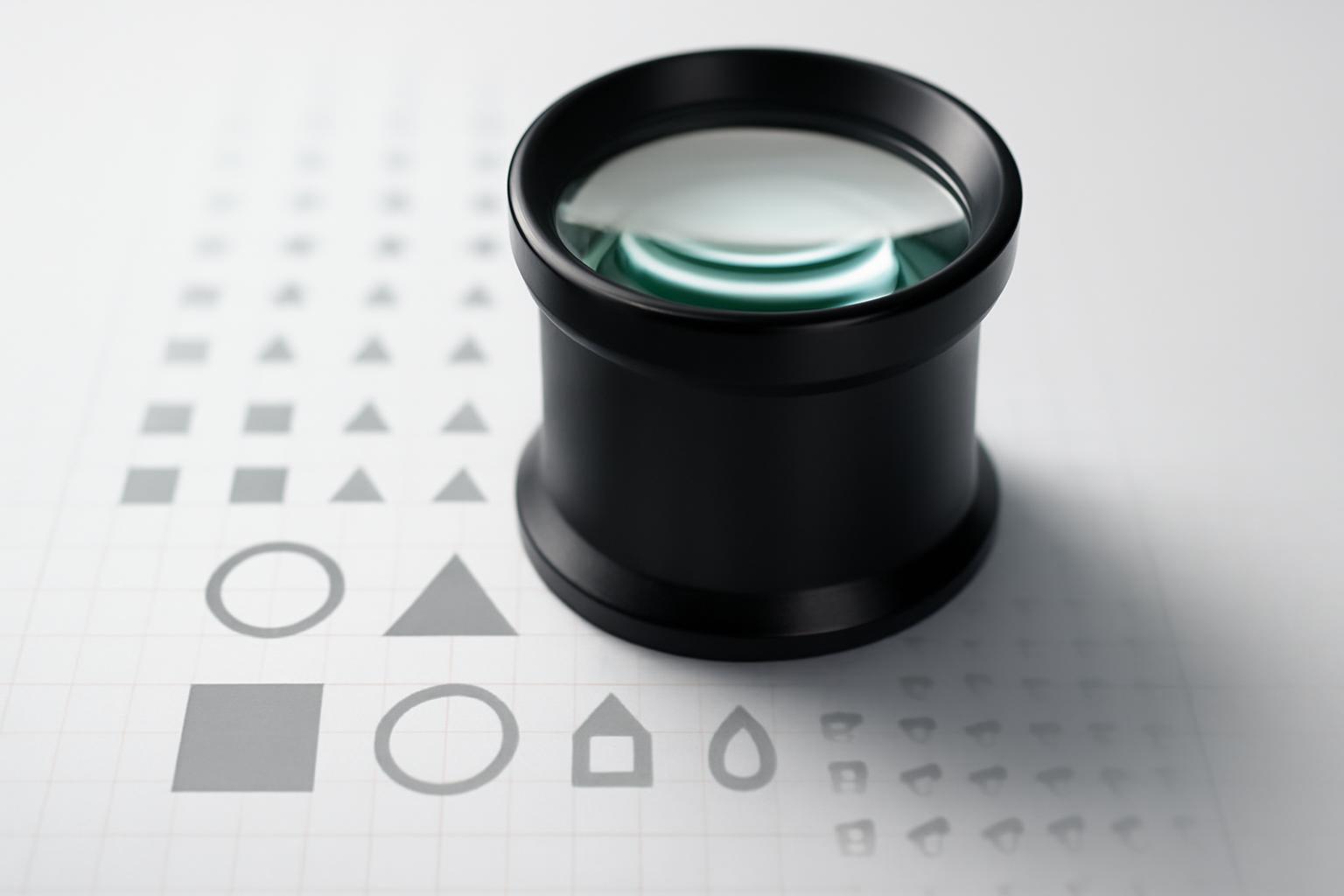
What to keep: monogram, symbol, or full logo
A full logo with text for favicon is almost never suitable — letters thinner than 2 pixels merge into a gray stripe already at 32×32 size. Only one of three options works: a separate graphic symbol (icon), if it exists in the identity; the first letter of the name stylized to match the brand font; or a monogram of two letters, if the brand consists of two short words. The choice depends on what already carries the main recognition in the logo — if the audience recognizes the brand by the icon, take the icon; if by the letter (as with most IT companies), take the letter. Creating a new element specifically for favicon is a bad idea: it will stop being recognized as part of the same system.
Step-by-step adaptation methodology — from 512px to 16px
The universal principle of 'simplify the logo' says nothing about the order in which to cut details. In practice, the following sequence works.
- Build a modular grid based on the largest size (512×512) and fit an element with margins into it — this way you will immediately see which details occupy less than one grid module and are doomed to disappear when scaled.
- Remove everything thinner than 1/16 of the total sign height — ticks, decorative tails, internal cutouts of letters.
- Merge closely positioned elements if the distance between them is less than 2 px in the target size — otherwise they will collapse into one spot.
- Reduce the palette to 2–3 colors and check the contrast between them and the background — the WCAG standard for small graphics starts at 4.5:1.
- Increase the minimum stroke width to 2 px at the design stage, not afterwards during export.
- For Android maskable icon, fit the content within the safe zone — a circle with a diameter of 80% of the icon size, centered (for 512×512 this is a circle with a diameter of 410 px, that is, ~51 px from edge to edge of the safe zone), otherwise the system will crop the icon into a circle or square.
This order is important: if you start with color selection rather than geometry, you'll have to redo everything after it's discovered that the shape doesn't hold at 16 px.
Why thin lines and gradients disappear
Raster displays render a pixel as a complete unit — a line with a thickness of 0,5 px physically does not exist, the browser either rounds it to a whole pixel or blurs it via anti-aliasing, and in both cases the detail loses sharpness. A gradient on an area of 16×16 px consists of such a small number of pixels that the color transition looks uneven rather than smooth, appearing dirty and speckled — visually this reads as an 'unclean' logo rather than a carefully considered effect. Small text suffers from the same reason: a letter with a height of 3–4 px does not have enough pixels to maintain its shape, strokes and internal apertures get filled into a solid blob. The solution is simple and strict: replace the gradient with a single flat color (you can take the average tone from the gradient), and remove any text smaller than the favicon monogram entirely.
Technical sizes and formats
| Purpose | Size | Format | Feature |
|---|---|---|---|
| Classic favicon | 16×16, 32×32, 48×48 | ICO (one file, multiple layers) | minimal working set |
| Favicon for retina/PNG | 32×32 | PNG | complements ICO |
| Apple Touch Icon | 180×180 | PNG | without transparency — iOS will fill the background with black |
| PWA / Android | 192×192, 512×512 | PNG (maskable) | content within 80% of the area |
| Mail.ru avatar | 180×180 | PNG | must 'hold shape' when compressed to 32×32 and in a circle |
SVG favicon is worth noting separately — modern browsers support it on equal terms with ICO, and it provides vector sharpness at any size without pixelation.
How to check that the adaptation turned out correctly
Testing the logo with the naked eye at 512 px scale is an error, because the brain 'fills in' details that will not be present at the actual size. There are two fast and reliable methods.
- Direct 16×16 test. Export the icon at actual pixel size and look at it next to other favicons in open browser tabs — if it blends into a blob or is indistinguishable from adjacent ones, there are still too many details.
- The squint test. Step away from the monitor a couple meters or squint at the enlarged mockup — if the form falls apart and the contour is not readable, simplify further.
Additionally, it is worth manually checking the contrast using the WCAG (4.5:1) formula and fitting the icon into a circular mask — many messengers and social networks crop avatars exactly this way, and the angular elements of the logo may simply fall outside the circle boundary.
Is a separate version needed for dark theme
Yes, and this is not an option, but a mandatory item for websites with support for the browser's system dark theme — a black logo on a transparent background becomes invisible on a dark tab panel. Technically, it is easiest to solve this with a single SVG file with a media query prefers-color-scheme inside — the browser will automatically substitute the correct color set without creating two separate files. If the site uses the classic ICO/PNG, you will have to prepare two pairs of icons and connect them via separate tags link with the media attribute. For Apple Touch Icon and Android maskable icon, the theme is not critical, because a custom opaque background is set there — but the classic favicon without a background requires such adaptation definitely.
What to keep: monogram, symbol, or full logo
A full logo with text for favicon is almost never suitable — letters thinner than 2 pixels merge into a gray stripe already at 32×32 size. Only one of three options works: a separate graphic symbol (icon), if it exists in the identity; the first letter of the name stylized to match the brand font; or a monogram of two letters, if the brand consists of two short words. The choice depends on what already carries the main recognition in the logo — if the audience recognizes the brand by the icon, take the icon; if by the letter (as with most IT companies), take the letter. Creating a new element specifically for favicon is a bad idea: it will stop being recognized as part of the same system.
Step-by-step adaptation methodology — from 512px to 16px
The universal principle of 'simplify the logo' says nothing about the order in which to cut details. In practice, the following sequence works.
- Build a modular grid based on the largest size (512×512) and fit an element with margins into it — this way you will immediately see which details occupy less than one grid module and are doomed to disappear when scaled.
- Remove everything thinner than 1/16 of the total sign height — ticks, decorative tails, internal cutouts of letters.
- Merge closely positioned elements if the distance between them is less than 2 px in the target size — otherwise they will collapse into one spot.
- Reduce the palette to 2–3 colors and check the contrast between them and the background — the WCAG standard for small graphics starts at 4.5:1.
- Increase the minimum stroke width to 2 px at the design stage, not afterwards during export.
- For Android maskable icon, fit the content within the safe zone — a circle with a diameter of 80% of the icon size, centered (for 512×512 this is a circle with a diameter of 410 px, that is, ~51 px from edge to edge of the safe zone), otherwise the system will crop the icon into a circle or square.
This order is important: if you start with color selection rather than geometry, you'll have to redo everything after it's discovered that the shape doesn't hold at 16 px.
Why thin lines and gradients disappear
Raster displays render a pixel as a complete unit — a line with a thickness of 0,5 px physically does not exist, the browser either rounds it to a whole pixel or blurs it via anti-aliasing, and in both cases the detail loses sharpness. A gradient on an area of 16×16 px consists of such a small number of pixels that the color transition looks uneven rather than smooth, appearing dirty and speckled — visually this reads as an 'unclean' logo rather than a carefully considered effect. Small text suffers from the same reason: a letter with a height of 3–4 px does not have enough pixels to maintain its shape, strokes and internal apertures get filled into a solid blob. The solution is simple and strict: replace the gradient with a single flat color (you can take the average tone from the gradient), and remove any text smaller than the favicon monogram entirely.
Technical sizes and formats
| Purpose | Size | Format | Feature |
|---|---|---|---|
| Classic favicon | 16×16, 32×32, 48×48 | ICO (one file, multiple layers) | minimal working set |
| Favicon for retina/PNG | 32×32 | PNG | complements ICO |
| Apple Touch Icon | 180×180 | PNG | without transparency — iOS will fill the background with black |
| PWA / Android | 192×192, 512×512 | PNG (maskable) | content within 80% of the area |
| Mail.ru avatar | 180×180 | PNG | must 'hold shape' when compressed to 32×32 and in a circle |
SVG favicon is worth noting separately — modern browsers support it on equal terms with ICO, and it provides vector sharpness at any size without pixelation.
How to check that the adaptation turned out correctly
Testing the logo with the naked eye at 512 px scale is an error, because the brain 'fills in' details that will not be present at the actual size. There are two fast and reliable methods.
- Direct 16×16 test. Export the icon at actual pixel size and look at it next to other favicons in open browser tabs — if it blends into a blob or is indistinguishable from adjacent ones, there are still too many details.
- The squint test. Step away from the monitor a couple meters or squint at the enlarged mockup — if the form falls apart and the contour is not readable, simplify further.
Additionally, it is worth manually checking the contrast using the WCAG (4.5:1) formula and fitting the icon into a circular mask — many messengers and social networks crop avatars exactly this way, and the angular elements of the logo may simply fall outside the circle boundary.
Is a separate version needed for dark theme
Yes, and this is not an option, but a mandatory item for websites with support for the browser's system dark theme — a black logo on a transparent background becomes invisible on a dark tab panel. Technically, it is easiest to solve this with a single SVG file with a media query prefers-color-scheme inside — the browser will automatically substitute the correct color set without creating two separate files. If the site uses the classic ICO/PNG, you will have to prepare two pairs of icons and connect them via separate tags link with the media attribute. For Apple Touch Icon and Android maskable icon, the theme is not critical, because a custom opaque background is set there — but the classic favicon without a background requires such adaptation definitely.
Recent articles

MegaFon, BMW, VTB and more 240+ companies. See how it looks in the showcase reel:






Our branding agency is approached to order:
Branding agency services












