RGB, CMYK, HEX and Pantone: what is the difference for branding
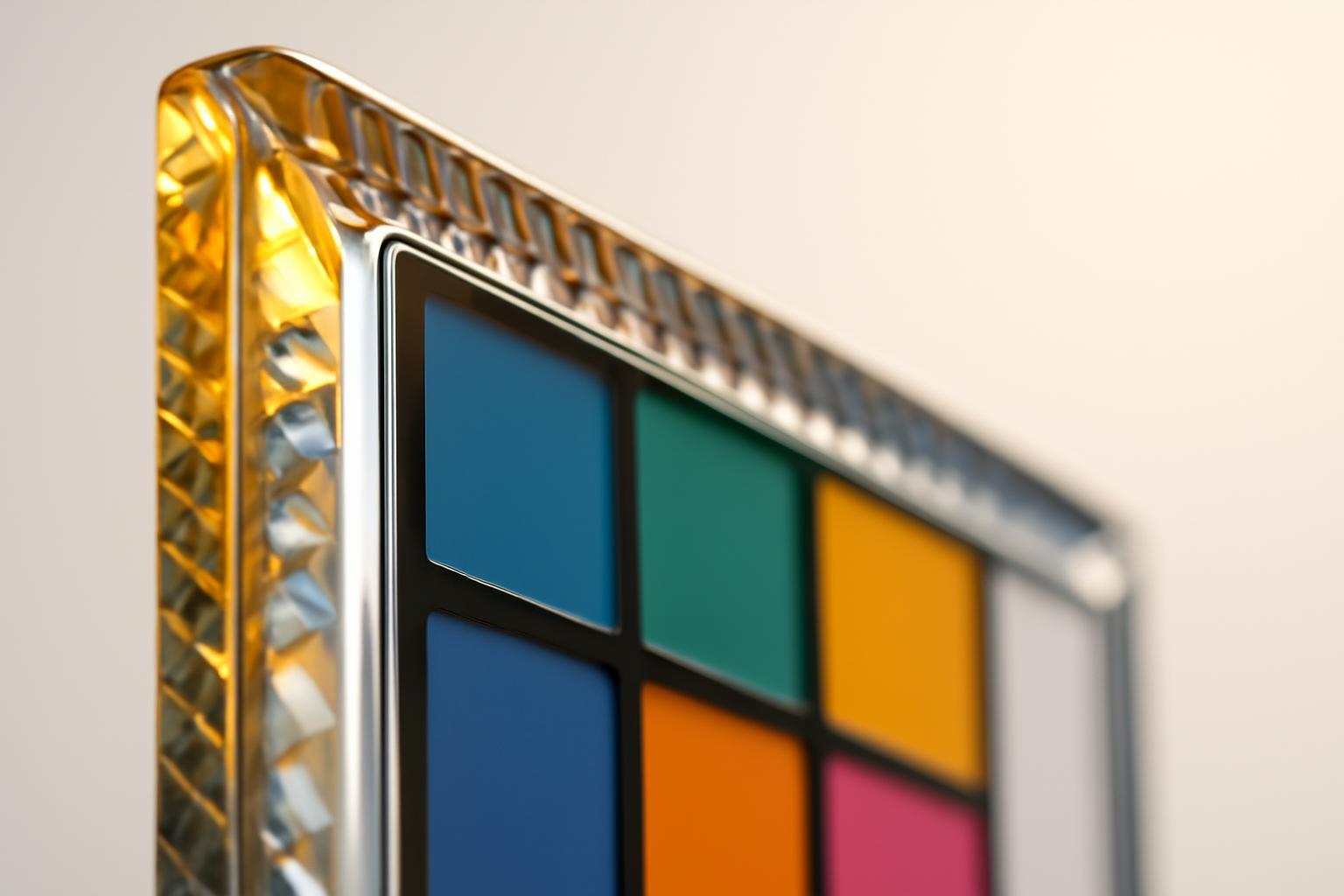
Why the color on the screen and in print is not the same color
RGB is an additive model: the screen emits light by mixing red, green and blue light, and the higher the values, the brighter and lighter the result. CMYK is subtractive: ink does not emit light, but absorbs it, and the more ink there is, the darker and deeper the color. These are fundamentally different physical processes, and it is impossible to combine them without loss.
It's also about the volume of colors each model can display — so-called gamut. The human eye can distinguish a huge number of shades, but no technology covers them all.
| Color space | Coverage of visible colors |
|---|---|
| CMYK | ~22–24% |
| sRGB | ~33% |
| Adobe RGB | ~50% |
That is, the RGB gamut is about one and a half times wider than that of CMYK. Everything that falls into this difference — bright, saturated, glowing shades — simply does not exist in the world of printed inks. Printing physically cannot reproduce what the screen sees.
Case: why electrician blue turns into violet
Let’s take a real-life situation: a designer chose the brand blue RGB (0, 102, 255) for the landing page — bright, 'electric', and easy to read on screen. During automatic conversion to CMYK, this color shifts toward purple and loses some saturation: the printer cannot reproduce such purity of blue because the cyan and magenta ink components behave differently than light.
A list of colors that suffer especially during the RGB→CMYK transition:
- Bright blues and 'electric' hues — shift toward purple tones
- Deep purples — lose saturation and darken
- Bright greens — become more muted and earthy
- Bright oranges — lose their 'burn' and become ochre
- Separately problematic are Pantone 485 C, 2728 C and Reflex Blue C — classic 'capricious' colors in printing
Pure yellow RGB (255, 255, 0), printed without correction, loses 30–50% saturation. If a brand's corporate color falls into this zone of risk, postponing the printing question until the last moment is a mistake that usually surfaces at the final check stage of the print run, when it's too late to make changes.
When Pantone is needed and when CMYK is sufficient
CMYK is a model of four variables ink, and it is suitable for photographs, gradients, and complex images. But for a brand's corporate color that must look the same on business cards, packaging, and signage, four standard inks are often not enough — especially for those bright blues, purples, and oranges that in CMYK are physically not reproduced accurately.
Here the Pantone Matching System (PMS) operates — a library of ready-made, pre-mixed inks with a fixed number. Pantone is not 'converted' from RGB — it is a separate, independent ink that is printed directly, bypassing the limitations of the CMYK model.
An important nuance often overlooked: the same Pantone number gives different results on different paper. Therefore, PMS has three options:
- C (Coated) — for coated, glossy paper
- U (Uncoated) — for uncoated, textured paper
- M (Matte) — for matte surfaces
Simply indicating in the brand book 'Pantone 2728' is insufficient and almost useless for the printer. You need to specify exactly 2728 C or 2728 U, otherwise the printer will decide on their own which version to use, and the result may not match expectations.
ICC profiles: what they solve and why without them conversion lies
An ICC profile is a set of data that describes how a specific device or printing process reproduces color. A profile is not an abstraction, but a lookup table: it tells the program what specific color output RGB values will produce when printed on a particular printer or on particular paper.
Without specifying a profile, Photoshop or Illustrator convert RGB to CMYK 'by default', and the result is almost always duller and grayer than intended. The choice of profile depends on region and type of printing:
| Profile | When it is applied |
|---|---|
| Coated FOGRA39 | European standard, coated paper |
| ISO Coated v2 | Coated paper, commonly used in offset printing |
| FOGRA47 | Uncoated paper |
sRGB and Adobe RGB are also profiles, but for screens. sRGB is a narrow standard that is guaranteed to be displayed consistently on most monitors and in browsers. Adobe RGB is wider (the aforementioned ~50% of the visible spectrum), but not all devices correctly interpret it — if a website or application does not support Adobe RGB, the colors in it will look dull. For web and social networks, sRGB is the only reasonable choice.
How to convert RGB to CMYK without losing saturation
Automatic conversion 'with one click' almost always gives the worst result, because the software uses the default profile without taking into account the specific paper and printing type. The correct approach looks like this:
- Find out from the printer what ICC profile is used for a specific print run (usually FOGRA39, ISO Coated v2 or FOGRA47)
- Set up this profile in the color settings of the program before starting work, not after
- Convert the color and visually compare the result with the original on a calibrated monitor
- For critical colors (bright blues, purples, greens) — manually adjust the C, M, Y, K values, not relying on numbers but on visual correspondence
- If the color still 'does not hold' in CMYK — consider replacing it with Pantone for key media
General rule: if the brand's corporate color falls into the risk zone (bright, saturated, electric), it is better to switch to CMYK as early as possible — right at the stage of palette selection, not at the end of the project. Designing in RGB for a month and then discovering that the corporate color cannot be printed without distortion — a typical and easily avoidable mistake.
What must be fixed in the brandbook
A practice that really works: for each main color, four values are fixed simultaneously, not one or two. This eliminates guesswork at any stage — web development, printing, textile embroidery, outdoor advertising.
| Format | Example | Where used |
|---|---|---|
| HEX | #5B5BD6 | Web, interfaces, documents |
| RGB | 91, 91, 214 | Screens, presentations, video |
| CMYK | C58 M58 Y0 K16 | Offset and digital printing |
| Pantone | 2107 C | Exact color matching in printing |
For the main brand colors, all four values are mandatory, including the indication of C/U/M for Pantone. For secondary, auxiliary palette shades, Pantone can be skipped — accuracy is not so critical there, but HEX, RGB and CMYK are always required, because without them any contractor — from a web studio to a print shop — will act according to their own judgment, and the final color will inevitably deviate from the standard.
Why the color on the screen and in print is not the same color
RGB is an additive model: the screen emits light by mixing red, green and blue light, and the higher the values, the brighter and lighter the result. CMYK is subtractive: ink does not emit light, but absorbs it, and the more ink there is, the darker and deeper the color. These are fundamentally different physical processes, and it is impossible to combine them without loss.
It's also about the volume of colors each model can display — so-called gamut. The human eye can distinguish a huge number of shades, but no technology covers them all.
| Color space | Coverage of visible colors |
|---|---|
| CMYK | ~22–24% |
| sRGB | ~33% |
| Adobe RGB | ~50% |
That is, the RGB gamut is about one and a half times wider than that of CMYK. Everything that falls into this difference — bright, saturated, glowing shades — simply does not exist in the world of printed inks. Printing physically cannot reproduce what the screen sees.
Case: why electrician blue turns into violet
Let’s take a real-life situation: a designer chose the brand blue RGB (0, 102, 255) for the landing page — bright, 'electric', and easy to read on screen. During automatic conversion to CMYK, this color shifts toward purple and loses some saturation: the printer cannot reproduce such purity of blue because the cyan and magenta ink components behave differently than light.
A list of colors that suffer especially during the RGB→CMYK transition:
- Bright blues and 'electric' hues — shift toward purple tones
- Deep purples — lose saturation and darken
- Bright greens — become more muted and earthy
- Bright oranges — lose their 'burn' and become ochre
- Separately problematic are Pantone 485 C, 2728 C and Reflex Blue C — classic 'capricious' colors in printing
Pure yellow RGB (255, 255, 0), printed without correction, loses 30–50% saturation. If a brand's corporate color falls into this zone of risk, postponing the printing question until the last moment is a mistake that usually surfaces at the final check stage of the print run, when it's too late to make changes.
When Pantone is needed and when CMYK is sufficient
CMYK is a model of four variables ink, and it is suitable for photographs, gradients, and complex images. But for a brand's corporate color that must look the same on business cards, packaging, and signage, four standard inks are often not enough — especially for those bright blues, purples, and oranges that in CMYK are physically not reproduced accurately.
Here the Pantone Matching System (PMS) operates — a library of ready-made, pre-mixed inks with a fixed number. Pantone is not 'converted' from RGB — it is a separate, independent ink that is printed directly, bypassing the limitations of the CMYK model.
An important nuance often overlooked: the same Pantone number gives different results on different paper. Therefore, PMS has three options:
- C (Coated) — for coated, glossy paper
- U (Uncoated) — for uncoated, textured paper
- M (Matte) — for matte surfaces
Simply indicating in the brand book 'Pantone 2728' is insufficient and almost useless for the printer. You need to specify exactly 2728 C or 2728 U, otherwise the printer will decide on their own which version to use, and the result may not match expectations.
ICC profiles: what they solve and why without them conversion lies
An ICC profile is a set of data that describes how a specific device or printing process reproduces color. A profile is not an abstraction, but a lookup table: it tells the program what specific color output RGB values will produce when printed on a particular printer or on particular paper.
Without specifying a profile, Photoshop or Illustrator convert RGB to CMYK 'by default', and the result is almost always duller and grayer than intended. The choice of profile depends on region and type of printing:
| Profile | When it is applied |
|---|---|
| Coated FOGRA39 | European standard, coated paper |
| ISO Coated v2 | Coated paper, commonly used in offset printing |
| FOGRA47 | Uncoated paper |
sRGB and Adobe RGB are also profiles, but for screens. sRGB is a narrow standard that is guaranteed to be displayed consistently on most monitors and in browsers. Adobe RGB is wider (the aforementioned ~50% of the visible spectrum), but not all devices correctly interpret it — if a website or application does not support Adobe RGB, the colors in it will look dull. For web and social networks, sRGB is the only reasonable choice.
How to convert RGB to CMYK without losing saturation
Automatic conversion 'with one click' almost always gives the worst result, because the software uses the default profile without taking into account the specific paper and printing type. The correct approach looks like this:
- Find out from the printer what ICC profile is used for a specific print run (usually FOGRA39, ISO Coated v2 or FOGRA47)
- Set up this profile in the color settings of the program before starting work, not after
- Convert the color and visually compare the result with the original on a calibrated monitor
- For critical colors (bright blues, purples, greens) — manually adjust the C, M, Y, K values, not relying on numbers but on visual correspondence
- If the color still 'does not hold' in CMYK — consider replacing it with Pantone for key media
General rule: if the brand's corporate color falls into the risk zone (bright, saturated, electric), it is better to switch to CMYK as early as possible — right at the stage of palette selection, not at the end of the project. Designing in RGB for a month and then discovering that the corporate color cannot be printed without distortion — a typical and easily avoidable mistake.
What must be fixed in the brandbook
A practice that really works: for each main color, four values are fixed simultaneously, not one or two. This eliminates guesswork at any stage — web development, printing, textile embroidery, outdoor advertising.
| Format | Example | Where used |
|---|---|---|
| HEX | #5B5BD6 | Web, interfaces, documents |
| RGB | 91, 91, 214 | Screens, presentations, video |
| CMYK | C58 M58 Y0 K16 | Offset and digital printing |
| Pantone | 2107 C | Exact color matching in printing |
For the main brand colors, all four values are mandatory, including the indication of C/U/M for Pantone. For secondary, auxiliary palette shades, Pantone can be skipped — accuracy is not so critical there, but HEX, RGB and CMYK are always required, because without them any contractor — from a web studio to a print shop — will act according to their own judgment, and the final color will inevitably deviate from the standard.
Recent articles

MegaFon, BMW, VTB and more 240+ companies. See how it looks in the showcase reel:






Our branding agency is approached to order:
Branding agency services












