Color section branding guide layout

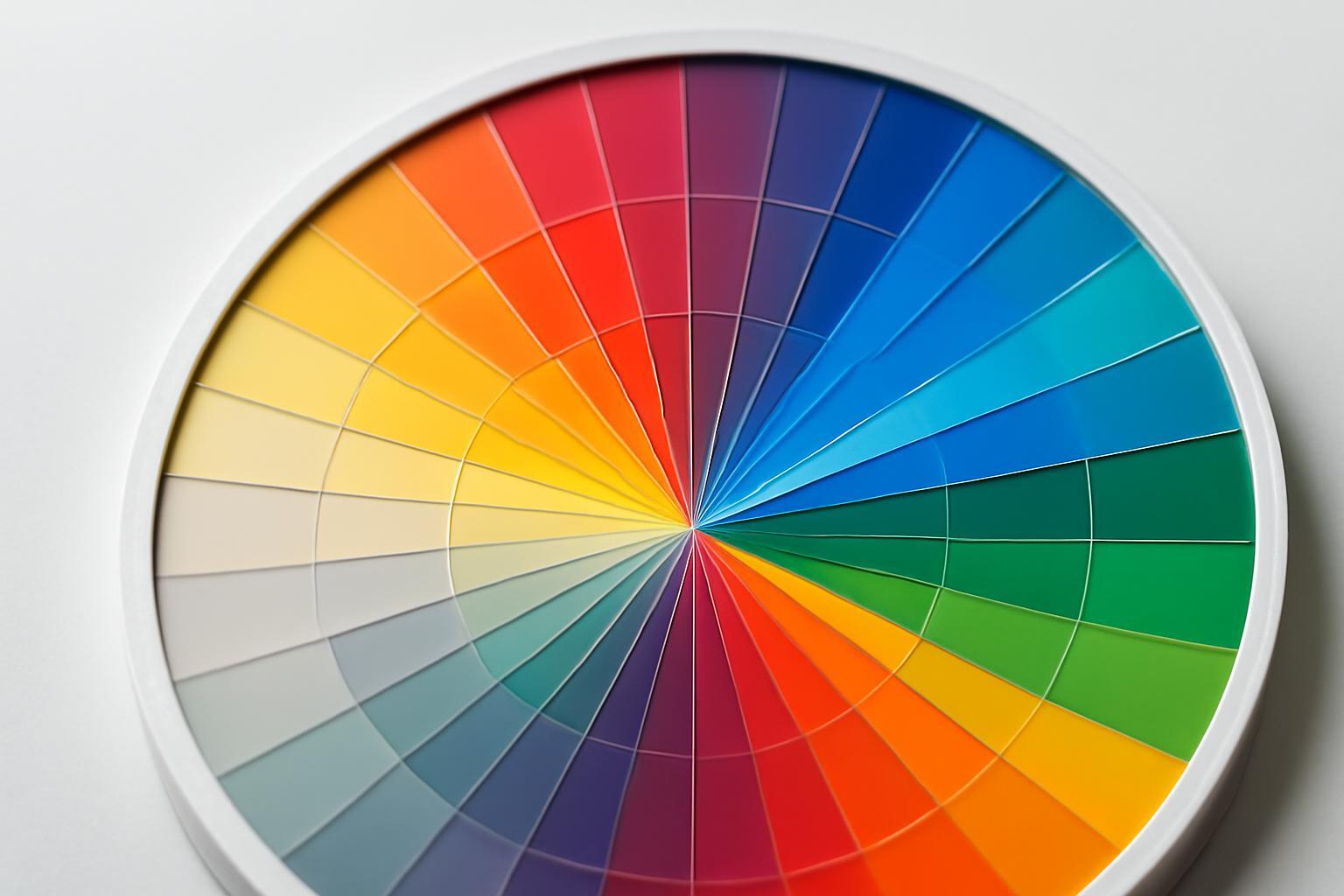
The problem with most guidelines found in search is that they list color codes but say nothing about page layout. As a result, you get a table with little squares — formally everything is there, but it's inconvenient to use: it's unclear where the main color is, where the accent is, how to combine them, and what to do if the typography cannot print the required Pantone. Let's examine the section as it appears to someone who opens the branding guide for the first time and tries to understand what to do with it.
Why such detail is needed at all
When a contractor receives a brief for business card printing, and a month later another contractor makes a website banner — without clear codes and rules for color application, there will be inconsistency. This is especially noticeable on glossy and matte paper: the same CMYK code gives different visual results. Precisely to avoid this spread, the color section must fix not just 'what color it is,' but 'in what form it exists on each medium.'
A good example of adaptation is the FIFA 2018 brandbook: the logo for embroidery on merchandise had to be simplified because the printing technology did not allow reproduction of the original level of detail. The same thing happens with color — a shade that looks great on screen may appear distorted during embroidery or embossing. The palette section should warn about these limitations in advance, rather than leaving them to the contractor's discretion.
What is necessarily required on the color page
Each color card in the brandbook is not just a tile with a code. The minimum set of information elements, without which the section is considered incomplete:
- a large fill sample (at least one-third of the page so that the eye reads the color itself, not a shade on a small square);
- the color name (internal, brand-specific — not 'blue', but 'Aeroflot Blue' or similar);
- HEX code — for digital media;
- RGB code — for screen applications and video;
- CMYK code — for offset printing;
- Pantone number — for typography and industrial printing, where accurate color matching is important;
- Color purpose (background, text, accent, interface element);
- Usage limitations, if any (e.g., do not use as a background for text, do not combine with a specific neutral color).
If at least one of these items is missing from the section — the contractor will call and ask, which is already a failure of the document as a tool.
How to build a hierarchy: primary, secondary, neutral
The order of color presentation is not aesthetics, but logic of use. In the Aeroflot brandbook, colors are divided into three categories: primary, secondary, and neutral. This division is often overlooked by authors of other guidelines, limiting themselves to a flat list of 'here are our colors' without indicating which one is primary.
The layout of the section should visually reflect this hierarchy:
- Primary color (or two) — opens the section, takes up more space on the page, appears as a large block at the very beginning.
- Secondary (accent) colors — the next block, slightly smaller in size, shown as a support palette, not equal competitors to the primary.
- Neutral colors — grays, beige, black-and-white gradients — come last, but are always present, because they are most often used as a background for text and auxiliary elements.
Practice shows: a palette of 5–7 shades (primary plus accents) works better than the classic 'four colors are enough'. More colors provide flexibility in layouts and, surprisingly to many marketers, correlates with conversion growth — because the designer doesn't try to 'squeeze' incompatible combinations from a limited set.
What demonstrations are mandatory, not optional
The most common mistake is to show a color only as a pure tile, without context of application. This doesn't work: a color on a white background and the same color next to a logo or text are perceived differently.
The section must necessarily include:
- pairs of 'text on background' — showing how the main color reads on white, black, and neutral backgrounds; this is critical for web accessibility, where insufficient contrast makes text physically unreadable for part of the audience.
- color combinations with each other — which pairs work, which visually 'compete';
- antitypical examples — deliberately unsuccessful combinations where contrast is reduced or colors conflict. This is a rarity in existing brandbooks, but it is precisely antitypical examples that save hours of arguments with designers who 'just wanted to try';
- examples on real carriers — packaging, website, merch, outdoor advertising — so that you can see how color behaves not in a vacuum, but in a live mockup.
Table: what to show and why
| Demonstration element | What is checked | Why you cannot skip |
|---|---|---|
| Text on background (light/dark) | Contrast and readability | Affects accessibility and usability of interfaces |
| Color combinations with each other | Palette harmony | Excludes random combinations in contractors' layouts |
| Antitypical examples | Boundaries of acceptability | Reduces the number of 'ignorance' errors |
| Application on media | Real color behavior | Shows the difference between screen and print |
Screen and print diverge — how to show this without confusion
The same code almost never gives an identical visual result on screen and in print. The reason is simple: RGB and CMYK are different color models, and Pantone is a whole separate color mixing system. The difference is especially noticeable on saturated blue and green shades, which in CMYK often 'settle' and lose brightness.
To prevent this from becoming confusion, in the section it's better to avoid a general block of codes and instead use two parallel columns or clear labeling: 'for screen' and 'for print', with a brief explanation that minor color divergence during printing is normal, not a contractor's error. A good practice is to show the same color printed on glossy and matte paper side by side with its digital equivalent. The difference is immediately visible, and the subcontractor has no further questions.
Are monochrome and conditional versions of the palette needed
Yes, and this is exactly the point that is often omitted from most style guides. The monochrome version of the palette is needed for cases when color printing is unavailable or undesirable: faxes, stamps, engraving, some types of outdoor advertising, internal documents. If a brand book does not include a black-and-white alternative for the logo and elements, the designer has to come up with one on the spot — and often does so poorly.
Conditional versions (for dark background, for limited print palette, for single-color embroidery) should be displayed in a separate block, not hidden in the appendix. This is the same principle as with the simplified FIFA logo for embroidery — the palette should have a 'simplified mode' in case the technology does not allow reproducing the original.
Frequent mistakes when formatting the section
Here you should list what actually hinders work, not theoretical risks:
- They only indicate HEX and CMYK, forgetting about Pantone — the print shop ultimately matches the shade 'by eye'.
- They do not show text contrast on the background — as a result: unreadable buttons on the website and user complaints.
- No document versioning (v1.0, v2.0) — the team and contractors work with different versions of the palette, and no one understands why the colors on the new website differ from the old layout.
- Lack of anti-examples — designers experiment with combinations that were initially deemed unsuccessful, simply because they did not know about this.
- No monochrome version — when printed in one color, the logo and palette lose readability.
Versioning, by the way, should be indicated not only on the title page of the document, but also directly in the color section — with a small note of the last palette update date. This is a small detail that saves weeks of work with outdated samples.
The color section is not a showcase of brand aesthetics, but a working tool that should address the contractor's questions before he even asks them. The more specific the page layout, the clearer the contrast, anti-examples, and differences between print and screen are shown — the fewer errors will appear in the real brand materials.
The problem with most guidelines found in search is that they list color codes but say nothing about page layout. As a result, you get a table with little squares — formally everything is there, but it's inconvenient to use: it's unclear where the main color is, where the accent is, how to combine them, and what to do if the typography cannot print the required Pantone. Let's examine the section as it appears to someone who opens the branding guide for the first time and tries to understand what to do with it.
Why such detail is needed at all
When a contractor receives a brief for business card printing, and a month later another contractor makes a website banner — without clear codes and rules for color application, there will be inconsistency. This is especially noticeable on glossy and matte paper: the same CMYK code gives different visual results. Precisely to avoid this spread, the color section must fix not just 'what color it is,' but 'in what form it exists on each medium.'
A good example of adaptation is the FIFA 2018 brandbook: the logo for embroidery on merchandise had to be simplified because the printing technology did not allow reproduction of the original level of detail. The same thing happens with color — a shade that looks great on screen may appear distorted during embroidery or embossing. The palette section should warn about these limitations in advance, rather than leaving them to the contractor's discretion.
What is necessarily required on the color page
Each color card in the brandbook is not just a tile with a code. The minimum set of information elements, without which the section is considered incomplete:
- a large fill sample (at least one-third of the page so that the eye reads the color itself, not a shade on a small square);
- the color name (internal, brand-specific — not 'blue', but 'Aeroflot Blue' or similar);
- HEX code — for digital media;
- RGB code — for screen applications and video;
- CMYK code — for offset printing;
- Pantone number — for typography and industrial printing, where accurate color matching is important;
- Color purpose (background, text, accent, interface element);
- Usage limitations, if any (e.g., do not use as a background for text, do not combine with a specific neutral color).
If at least one of these items is missing from the section — the contractor will call and ask, which is already a failure of the document as a tool.
How to build a hierarchy: primary, secondary, neutral
The order of color presentation is not aesthetics, but logic of use. In the Aeroflot brandbook, colors are divided into three categories: primary, secondary, and neutral. This division is often overlooked by authors of other guidelines, limiting themselves to a flat list of 'here are our colors' without indicating which one is primary.
The layout of the section should visually reflect this hierarchy:
- Primary color (or two) — opens the section, takes up more space on the page, appears as a large block at the very beginning.
- Secondary (accent) colors — the next block, slightly smaller in size, shown as a support palette, not equal competitors to the primary.
- Neutral colors — grays, beige, black-and-white gradients — come last, but are always present, because they are most often used as a background for text and auxiliary elements.
Practice shows: a palette of 5–7 shades (primary plus accents) works better than the classic 'four colors are enough'. More colors provide flexibility in layouts and, surprisingly to many marketers, correlates with conversion growth — because the designer doesn't try to 'squeeze' incompatible combinations from a limited set.
What demonstrations are mandatory, not optional
The most common mistake is to show a color only as a pure tile, without context of application. This doesn't work: a color on a white background and the same color next to a logo or text are perceived differently.
The section must necessarily include:
- pairs of 'text on background' — showing how the main color reads on white, black, and neutral backgrounds; this is critical for web accessibility, where insufficient contrast makes text physically unreadable for part of the audience.
- color combinations with each other — which pairs work, which visually 'compete';
- antitypical examples — deliberately unsuccessful combinations where contrast is reduced or colors conflict. This is a rarity in existing brandbooks, but it is precisely antitypical examples that save hours of arguments with designers who 'just wanted to try';
- examples on real carriers — packaging, website, merch, outdoor advertising — so that you can see how color behaves not in a vacuum, but in a live mockup.
Table: what to show and why
| Demonstration element | What is checked | Why you cannot skip |
|---|---|---|
| Text on background (light/dark) | Contrast and readability | Affects accessibility and usability of interfaces |
| Color combinations with each other | Palette harmony | Excludes random combinations in contractors' layouts |
| Antitypical examples | Boundaries of acceptability | Reduces the number of 'ignorance' errors |
| Application on media | Real color behavior | Shows the difference between screen and print |
Screen and print diverge — how to show this without confusion
The same code almost never gives an identical visual result on screen and in print. The reason is simple: RGB and CMYK are different color models, and Pantone is a whole separate color mixing system. The difference is especially noticeable on saturated blue and green shades, which in CMYK often 'settle' and lose brightness.
To prevent this from becoming confusion, in the section it's better to avoid a general block of codes and instead use two parallel columns or clear labeling: 'for screen' and 'for print', with a brief explanation that minor color divergence during printing is normal, not a contractor's error. A good practice is to show the same color printed on glossy and matte paper side by side with its digital equivalent. The difference is immediately visible, and the subcontractor has no further questions.
Are monochrome and conditional versions of the palette needed
Yes, and this is exactly the point that is often omitted from most style guides. The monochrome version of the palette is needed for cases when color printing is unavailable or undesirable: faxes, stamps, engraving, some types of outdoor advertising, internal documents. If a brand book does not include a black-and-white alternative for the logo and elements, the designer has to come up with one on the spot — and often does so poorly.
Conditional versions (for dark background, for limited print palette, for single-color embroidery) should be displayed in a separate block, not hidden in the appendix. This is the same principle as with the simplified FIFA logo for embroidery — the palette should have a 'simplified mode' in case the technology does not allow reproducing the original.
Frequent mistakes when formatting the section
Here you should list what actually hinders work, not theoretical risks:
- They only indicate HEX and CMYK, forgetting about Pantone — the print shop ultimately matches the shade 'by eye'.
- They do not show text contrast on the background — as a result: unreadable buttons on the website and user complaints.
- No document versioning (v1.0, v2.0) — the team and contractors work with different versions of the palette, and no one understands why the colors on the new website differ from the old layout.
- Lack of anti-examples — designers experiment with combinations that were initially deemed unsuccessful, simply because they did not know about this.
- No monochrome version — when printed in one color, the logo and palette lose readability.
Versioning, by the way, should be indicated not only on the title page of the document, but also directly in the color section — with a small note of the last palette update date. This is a small detail that saves weeks of work with outdated samples.
The color section is not a showcase of brand aesthetics, but a working tool that should address the contractor's questions before he even asks them. The more specific the page layout, the clearer the contrast, anti-examples, and differences between print and screen are shown — the fewer errors will appear in the real brand materials.
Recent articles







MegaFon, BMW, VTB and more 240+ companies. See how it looks in the showcase reel:






Our branding agency is approached to order:
Branding agency services












