How to build a brand palette based on a logo
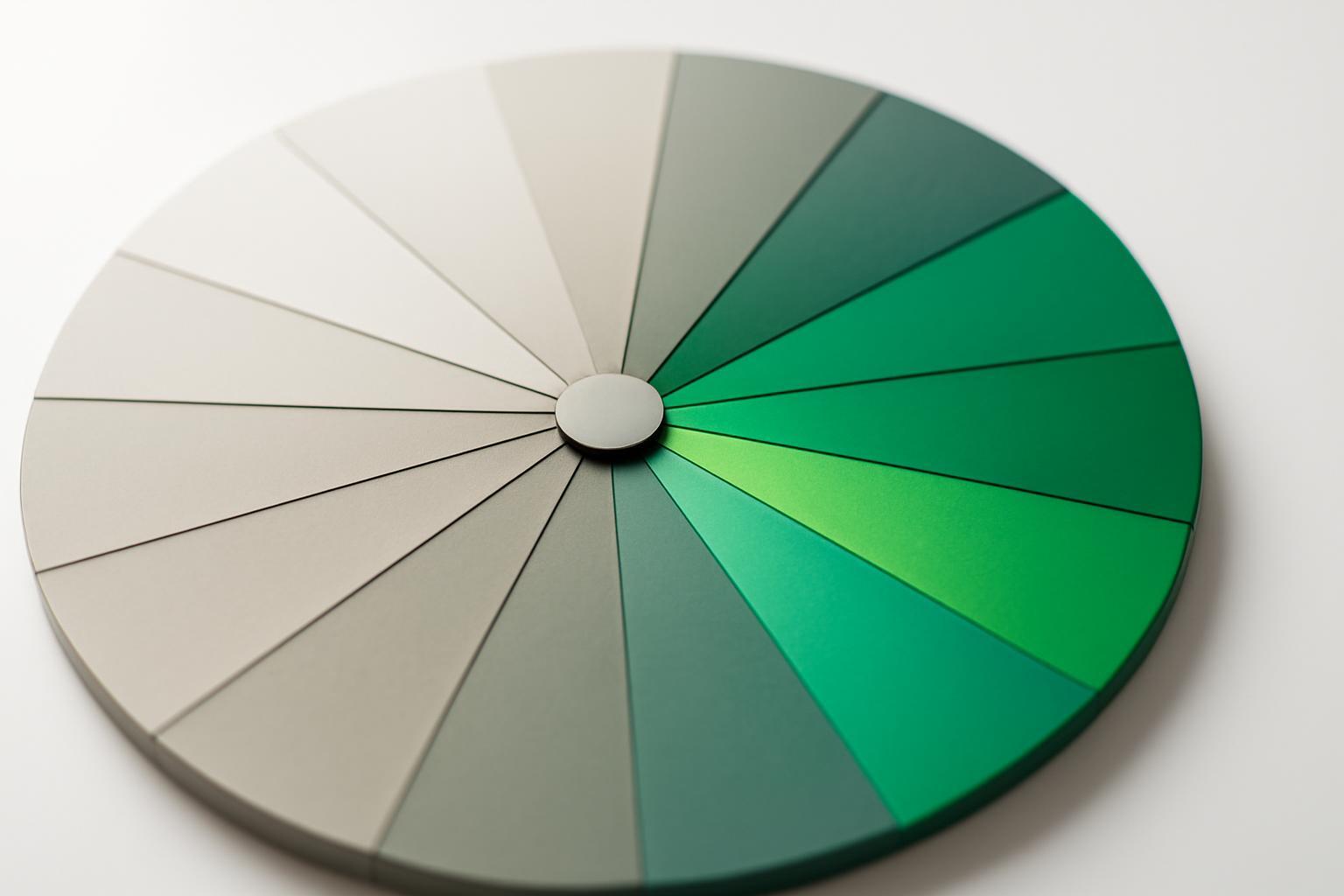
Which logo color to choose as primary
If a logo has two or three colors, the guide is not 'what I like better', but three specific criteria. First, look at which color carries the main semantic load — usually this is the color of the text part (wordmark) or the largest graphic element, not a small detail of the icon. Second, assess saturation and contrast: a color that is readable on both light and dark backgrounds almost always works better as primary than a bright, but capricious shade that 'lives' only on white. Third, check how the color behaves when scaling the tones — if it is easy to build a scale from almost white to almost black without 'dirty' intermediate values, it is a good candidate.
The second most important color of the logo does not have to automatically become secondary. Often it is more logical to make it an accent color for buttons and accents, and choose secondary theoretically, even if it is not physically present in the logo. This is a normal practice: the logo is the source of identity, not a complete list of brand colors.
How does a logo palette differ from a finished system
Extracting color from a logo is 5-7 values taken directly from the file, usually through a clustering algorithm (k-means identifies dominant pixel groups). This is raw material, not a ready-to-use set. A finished system is built on Material Design principles and contains tonal variants for each base color — a scale from light to dark, for example from 50 to 900 in Material Design 2.
| Tone | Purpose | Example of use |
|---|---|---|
| 50-100 | almost white | card backgrounds, overlays |
| 200-300 | light | borders, disabled states |
| 400-500 | main brand color | buttons, key accents |
| 600-700 | dark | hover, active states |
| 800-900 | almost black | text on light background |
Without this scale, a designer will have to manually select shades for hover states of buttons or text on colored badges each time — and the palette will start to 'spread apart' from mockup to mockup.
Color theory: how to choose secondary and accent colors
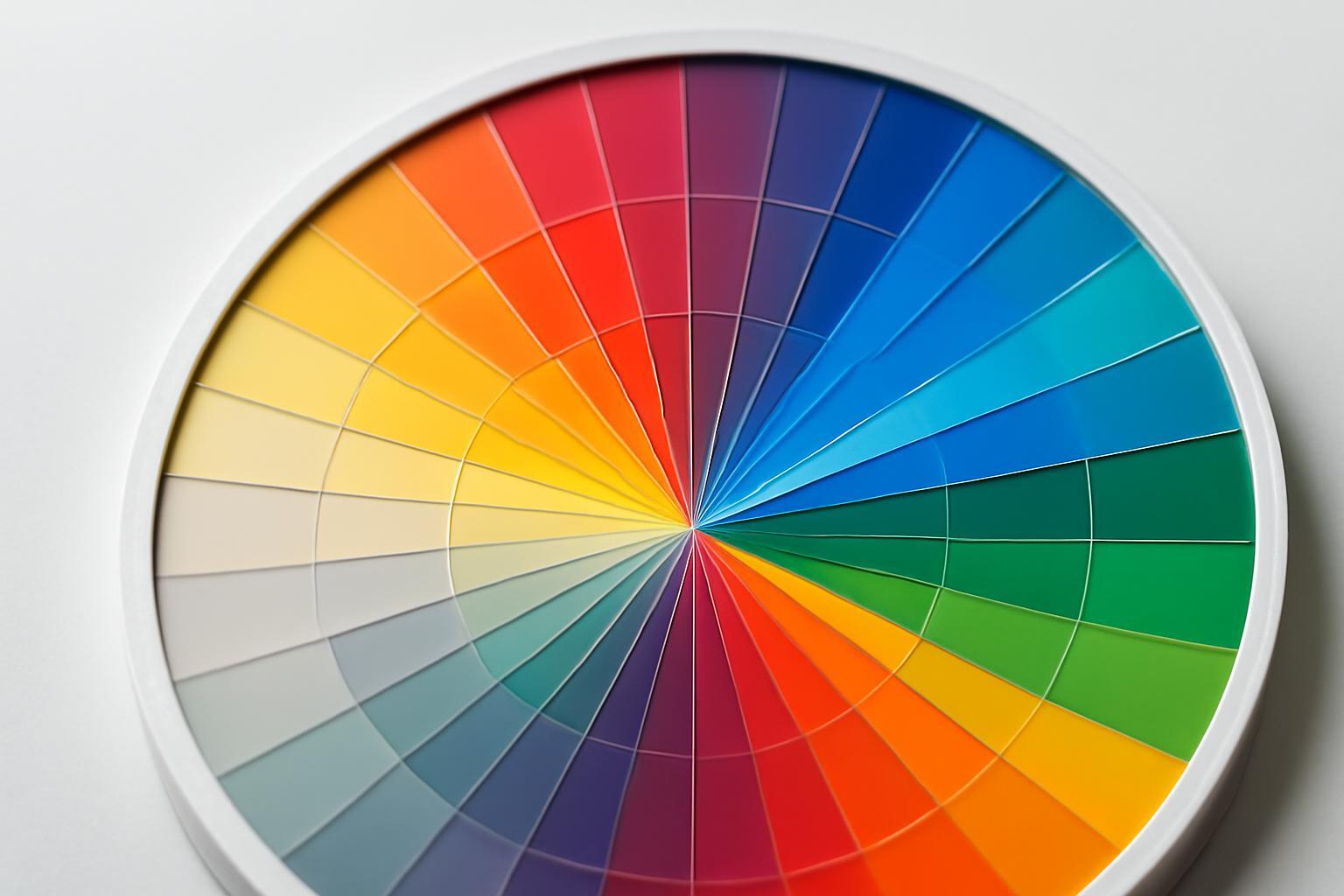
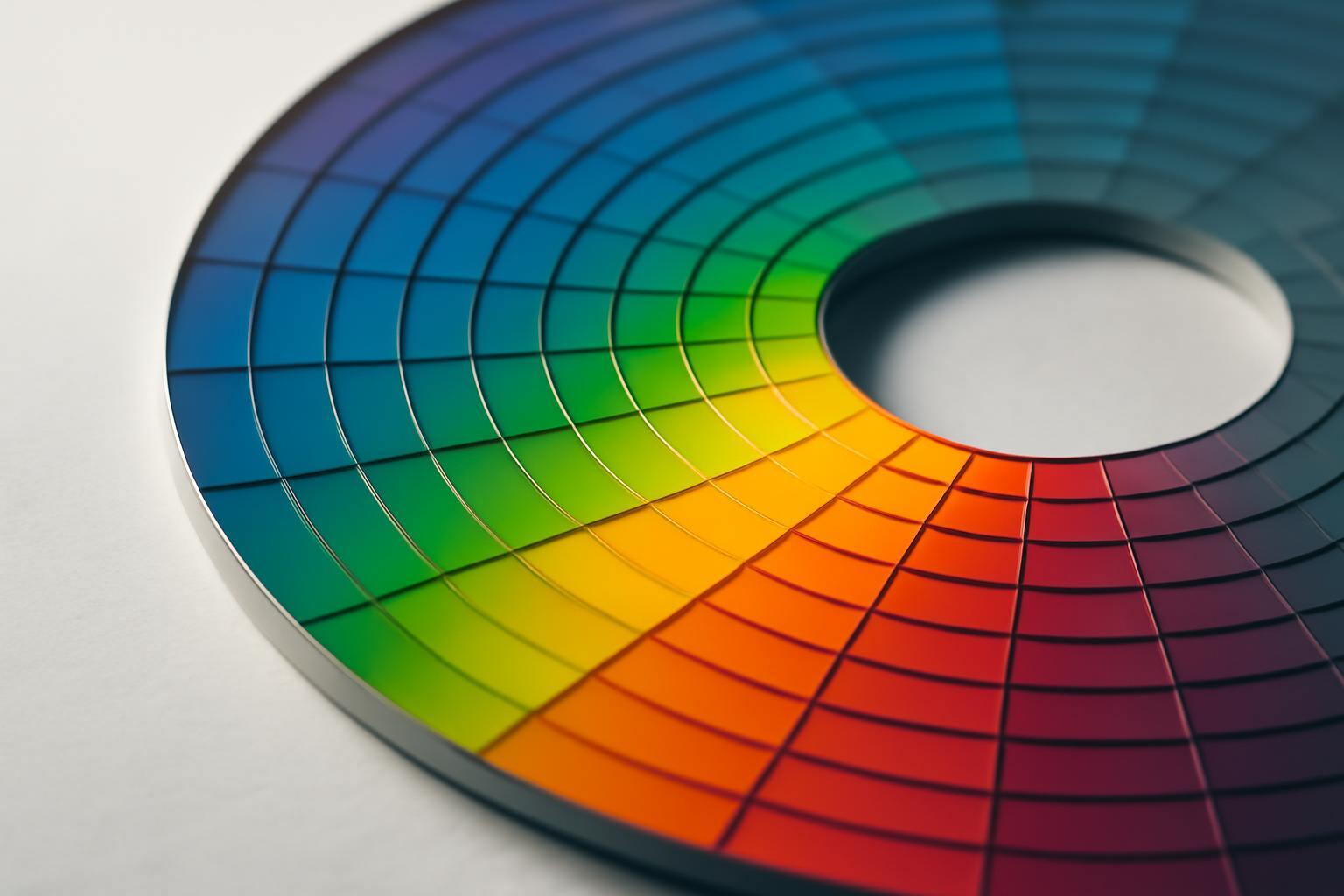
When primary is defined, secondary and accent colors are not chosen randomly — they are built based on color harmonies around the angle of the main color on the color wheel. The modern approach considers these angles not in the outdated HSL, but in the OKLCH space, where lightness (L) and chroma (C) remain visually stable when changing hue — in HSL, brightness 'jumps' when rotating color, in OKLCH it does not.
| Harmony | Shift angle | When to use |
|---|---|---|
| Analogous | ±30° | a soft, calm brand without sharp contrasts |
| Complementary | 180° | a bright accent, maximum contrast for CTA |
| Split-complementary | 150° and 210° | contrast without aggression, balance between two colors |
| Triadic | 120° and 240° | a palette with three equally weighted color roles |
Practically, it looks like this: we take L and C of the base color in OKLCH and simply change the hue angle (H) according to the table above — the lightness and saturation of the secondary or accent color remain in the same 'weight category' as primary, so the colors do not visually compete with each other.
Case: expanding the palette on a real logo
Let’s take a hypothetical logo of an IT startup: blue #2563eb in the wordmark and orange #ea580c in the graphical icon. Blue occupies 80% of the sign area and is used in text — an obvious candidate for primary. Orange is visually brighter, but takes up little space, so it makes sense to assign it the role of accent, not secondary.
Next, in OKLCH we calculate the angle #2563eb and build a complementary hue (180°) — we get a warm yellow-brown, which becomes the secondary color for secondary accents and graphics. The orange from the logo is checked for matching the triadic angle from blue (240° from primary) — in this case, the match is almost exact, meaning the orange can remain as accent without changes, as it is already theoretically harmonious, not just 'by eye'.
After this, scales 50-900 are built for the blue and orange schemes, 5-6 neutral grays with a subtle blue undertone are added (so that grays are not perceived as 'foreign' next to primary) and four functional colors. In total — not 5-7 values from the logo, but a system of 40+ specific hex codes, grouped into 8-18 named roles.
Why the logo color breaks in the interface
The color that looks striking on a 200×60 pixel logo area often becomes unreadable if filled into a button 300 pixels wide or used as a background on a 80% layout — color density and perception of saturation change with scale. This is the main reason why directly transferring the color from the logo to UI without adaptation is a mistake.
- Using pure black #000000 and white #ffffff instead of near-black (#0a0a0f) and off-white (#fafafa) — sharp contrast tires the eyes during prolonged reading.
- Ignoring WCAG: minimum contrast 4.5:1 for regular text and 3:1 for large (from 18pt or 14pt bold) — without checking text on a colored background, it often fails even basic accessibility.
- Using the same hex code for web, print, and social networks without accounting for color profile — a color calibrated in sRGB for screen may appear dull on CMYK printing.
- Lack of color verification on real elements — a button, notification bar, card background — and not just on a flat square in Figma.
- If the main color of the logo is too light or too dark, it is transferred to the UI without tonal shift: if a brand has a very light primary color, tones 600-700 from its own scale are used for text and buttons, rather than the original light shade — this preserves recognizability while ensuring text remains readable.
Functional colors and final structure
Functional colors — success, warning, error, info — are almost never contained in the logo, even if the brand is built on green or red: the semantic load of 'success' or 'error' on the web and in the product is a separate task unrelated to identity. They are added as a separate block, usually using proven values: success #16a34a, warning #d97706, error #dc2626, — and the info color is selected so it does not conflict with the primary.
The assembled system usually looks like this: 1-2 primary, 2-4 secondary, 5-8 neutral, 4 functional — for a total of 8-18 named colors, not counting their tonal variations. Distributing them on a mockup is aided by the 60-30-10 rule: approximately 60% of the area — neutral or dominant color, 30% — secondary, 10% — accent. Without this ratio, even a correctly chosen palette according to theory turns into color noise, because each color requires 'its own place,' not an equal share of attention.
Which logo color to choose as primary
If a logo has two or three colors, the guide is not 'what I like better', but three specific criteria. First, look at which color carries the main semantic load — usually this is the color of the text part (wordmark) or the largest graphic element, not a small detail of the icon. Second, assess saturation and contrast: a color that is readable on both light and dark backgrounds almost always works better as primary than a bright, but capricious shade that 'lives' only on white. Third, check how the color behaves when scaling the tones — if it is easy to build a scale from almost white to almost black without 'dirty' intermediate values, it is a good candidate.
The second most important color of the logo does not have to automatically become secondary. Often it is more logical to make it an accent color for buttons and accents, and choose secondary theoretically, even if it is not physically present in the logo. This is a normal practice: the logo is the source of identity, not a complete list of brand colors.
How does a logo palette differ from a finished system
Extracting color from a logo is 5-7 values taken directly from the file, usually through a clustering algorithm (k-means identifies dominant pixel groups). This is raw material, not a ready-to-use set. A finished system is built on Material Design principles and contains tonal variants for each base color — a scale from light to dark, for example from 50 to 900 in Material Design 2.
| Tone | Purpose | Example of use |
|---|---|---|
| 50-100 | almost white | card backgrounds, overlays |
| 200-300 | light | borders, disabled states |
| 400-500 | main brand color | buttons, key accents |
| 600-700 | dark | hover, active states |
| 800-900 | almost black | text on light background |
Without this scale, a designer will have to manually select shades for hover states of buttons or text on colored badges each time — and the palette will start to 'spread apart' from mockup to mockup.
Color theory: how to choose secondary and accent colors
When primary is defined, secondary and accent colors are not chosen randomly — they are built based on color harmonies around the angle of the main color on the color wheel. The modern approach considers these angles not in the outdated HSL, but in the OKLCH space, where lightness (L) and chroma (C) remain visually stable when changing hue — in HSL, brightness 'jumps' when rotating color, in OKLCH it does not.
| Harmony | Shift angle | When to use |
|---|---|---|
| Analogous | ±30° | a soft, calm brand without sharp contrasts |
| Complementary | 180° | a bright accent, maximum contrast for CTA |
| Split-complementary | 150° and 210° | contrast without aggression, balance between two colors |
| Triadic | 120° and 240° | a palette with three equally weighted color roles |
Practically, it looks like this: we take L and C of the base color in OKLCH and simply change the hue angle (H) according to the table above — the lightness and saturation of the secondary or accent color remain in the same 'weight category' as primary, so the colors do not visually compete with each other.
Case: expanding the palette on a real logo
Let’s take a hypothetical logo of an IT startup: blue #2563eb in the wordmark and orange #ea580c in the graphical icon. Blue occupies 80% of the sign area and is used in text — an obvious candidate for primary. Orange is visually brighter, but takes up little space, so it makes sense to assign it the role of accent, not secondary.
Next, in OKLCH we calculate the angle #2563eb and build a complementary hue (180°) — we get a warm yellow-brown, which becomes the secondary color for secondary accents and graphics. The orange from the logo is checked for matching the triadic angle from blue (240° from primary) — in this case, the match is almost exact, meaning the orange can remain as accent without changes, as it is already theoretically harmonious, not just 'by eye'.
After this, scales 50-900 are built for the blue and orange schemes, 5-6 neutral grays with a subtle blue undertone are added (so that grays are not perceived as 'foreign' next to primary) and four functional colors. In total — not 5-7 values from the logo, but a system of 40+ specific hex codes, grouped into 8-18 named roles.
Why the logo color breaks in the interface
The color that looks striking on a 200×60 pixel logo area often becomes unreadable if filled into a button 300 pixels wide or used as a background on a 80% layout — color density and perception of saturation change with scale. This is the main reason why directly transferring the color from the logo to UI without adaptation is a mistake.
- Using pure black #000000 and white #ffffff instead of near-black (#0a0a0f) and off-white (#fafafa) — sharp contrast tires the eyes during prolonged reading.
- Ignoring WCAG: minimum contrast 4.5:1 for regular text and 3:1 for large (from 18pt or 14pt bold) — without checking text on a colored background, it often fails even basic accessibility.
- Using the same hex code for web, print, and social networks without accounting for color profile — a color calibrated in sRGB for screen may appear dull on CMYK printing.
- Lack of color verification on real elements — a button, notification bar, card background — and not just on a flat square in Figma.
- If the main color of the logo is too light or too dark, it is transferred to the UI without tonal shift: if a brand has a very light primary color, tones 600-700 from its own scale are used for text and buttons, rather than the original light shade — this preserves recognizability while ensuring text remains readable.
Functional colors and final structure
Functional colors — success, warning, error, info — are almost never contained in the logo, even if the brand is built on green or red: the semantic load of 'success' or 'error' on the web and in the product is a separate task unrelated to identity. They are added as a separate block, usually using proven values: success #16a34a, warning #d97706, error #dc2626, — and the info color is selected so it does not conflict with the primary.
The assembled system usually looks like this: 1-2 primary, 2-4 secondary, 5-8 neutral, 4 functional — for a total of 8-18 named colors, not counting their tonal variations. Distributing them on a mockup is aided by the 60-30-10 rule: approximately 60% of the area — neutral or dominant color, 30% — secondary, 10% — accent. Without this ratio, even a correctly chosen palette according to theory turns into color noise, because each color requires 'its own place,' not an equal share of attention.
Recent articles

MegaFon, BMW, VTB and more 240+ companies. See how it looks in the showcase reel:






Our branding agency is approached to order:
Branding agency services












