Color in B2B and B2C branding: difference of approaches
Why B2B chooses blue: habit or calculation
Blue and green have really become entrenched in B2B not by chance — but not because 'that is how it is done,' but because the cold palette measurably influences how the audience evaluates the reliability of the company. Studies in the field of design show that color saturation (chroma) and contrast are important, which affect perception, however, specific methodologies (for example, CIEDE2000) are rarely mentioned in open B2B-studies. Concretely, a 'correct' blue and an 'incorrect' blue can give opposite results on the same landing page.
This explains why abandoning blue does not kill trust. Slack uses a simplified palette of four primary colors (red, yellow, green, blue) plus a branded violet, Asana — on coral gradients, and both companies are perceived as serious B2B players. The secret is not in abandoning blue as such, but in discipline: a bright brand color works well when combined with a clear neutral base and consistent status indicators. An alternative to blue exists, but it requires a system, not courage in choosing a single shade.
The color system of B2B is not one color, but three layers
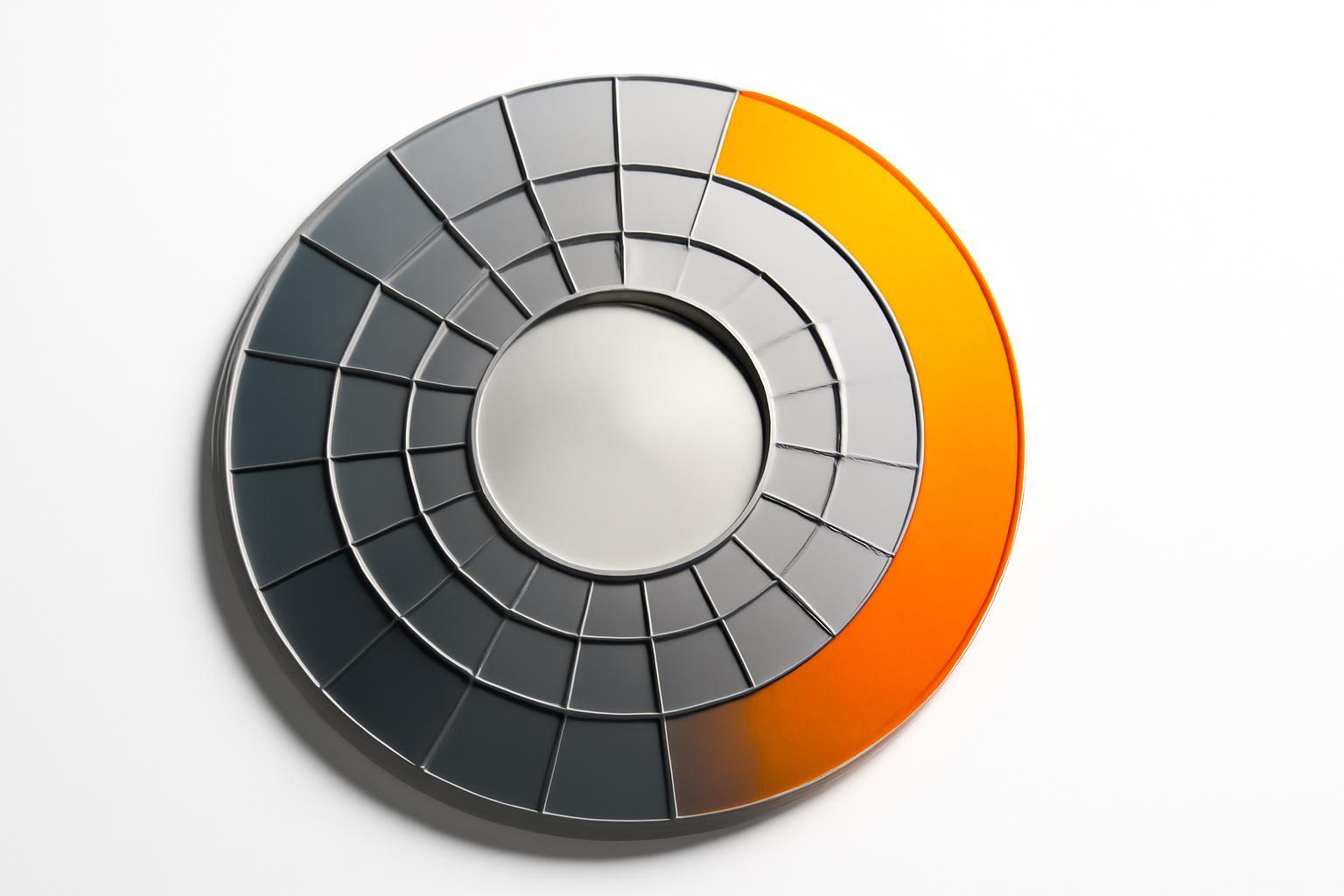
The main mistake in briefs and guidelines is reducing the palette to one 'brand blue'. In a real interface or commercial proposal, color performs the function of informational hierarchy: it must silently explain to the user what is important, what is neutral, and what requires action. The working formula is built in three layers:
- Neutral palette (70-80% interface) — shades of gray, light blue, or beige, which reduce cognitive load and do not compete for attention with the content.
- Primary color (1 tone) — for brand identification: logo, headers, key navigation accents.
- Functional colors (1-2 accents) — for action buttons, application statuses, notifications of errors or approvals.
Without a third layer, the system does not work: the user physically does not understand where the 'Send for Approval' button is and where there is simply a section header. It is precisely the lack of a functional layer that is the most common reason why B2B-interfaces look 'right' but convert poorly.
Why clean blue fails CTA-buttons
If the main corporate color is a saturated blue, and the action button is also blue, visual merging occurs: the eye has nothing to highlight because the entire screen speaks in one tone. Contrast and saturation here work as a priority signal, not decoration. The button must differ from the background and from the company's own logo by chroma — otherwise, CTR drops not because of 'B2B-audience's dislike of bright colors', but because of a simple loss of signal against the background of visual noise.
Practical solution — separate roles: the main brand color is made muted and used for identification, while the accent color for action is made contrast and saturated, even if it stands out of the 'corporate' palette. This does not contradict the seriousness of the brand — it is a condition for that seriousness to be noticed at the right moment.
How color affects the speed of purchase approval
In B2B, decisions are rarely made by a single person; the document goes through a chain of approvals — and it is here that color begins to influence not 'like/dislike', but the speed of passing through this chain. A sequential status color system helps accelerate the recognition of the document's state by the user, which may contribute to faster approval, although the exact figures 20-30% reduction in cycle time in these sectors are not confirmed by open studies. It is not about beauty, but rather about the fact that the employee spends less time recognizing the status of the application.
There is a pitfall here — the paradox of red and amber. These colors work excellently in incident and warning statuses: they are instantly perceived as 'requiring attention'. But if they are also used to highlight ordinary interface elements or marketing banners, the overall level of trust in the product decreases — the brain interprets an excess of anxiety signals as system instability, rather than as formatting.
What audience segments to consider when choosing a palette
B2B-audience is not homogeneous, and a palette comfortable for a CFO may irritate an engineer or seem boring to an IT specialist accustomed to product interfaces like Figma or Linear.
| Segment | What constitutes a sign of reliability | Reaction to bright accents |
|---|---|---|
| Financial officers, procurement specialists | Simplicity, conservative neutral base, minimum color noise | Acceptable only in functional elements (statuses, charts) |
| Engineers, technical specialists | Precision and predictability of color coding (one color = one state) | Generally accept it if the color conveys information, not decoration |
| IT specialists, product teams | Modernity, absence of 'official' corporate appearance | Expect expressive accents as a sign of product culture |
The Tutu platform works with B2B and B2C-audiences and carried out a brand redesign (2022-2025), including design improvements and the implementation of a system, although specific details regarding the visual language split into 'harsh industrial' for B2B and 3D-graphics for B2C require additional verification. This confirms the idea that is rarely spoken aloud: the color in B2B is chosen not for 'the industry in general,' but for a specific role within the decision-making chain.
Common mistakes when building the B2B-palette
- One color for the entire interface — without separating into neutral, primary, and functional layers.
- Copying blue from competitors without checking contrast and saturation through real CTR metrics.
- Using red and amber outside of statuses — simply as a 'expressive' accent in banners.
- Ignoring the fact that the financial and technical segments of the audience perceive the same palette differently.
- Lack of status color coding in document flow, which causes delays in approval without an obvious reason.
Color in B2B stops being a matter of taste the moment you start considering it part of the product's operational efficiency — it's not about the first impression, but about how many steps and hours a document will take before it gets signed.
Why B2B chooses blue: habit or calculation
Blue and green have really become entrenched in B2B not by chance — but not because 'that is how it is done,' but because the cold palette measurably influences how the audience evaluates the reliability of the company. Studies in the field of design show that color saturation (chroma) and contrast are important, which affect perception, however, specific methodologies (for example, CIEDE2000) are rarely mentioned in open B2B-studies. Concretely, a 'correct' blue and an 'incorrect' blue can give opposite results on the same landing page.
This explains why abandoning blue does not kill trust. Slack uses a simplified palette of four primary colors (red, yellow, green, blue) plus a branded violet, Asana — on coral gradients, and both companies are perceived as serious B2B players. The secret is not in abandoning blue as such, but in discipline: a bright brand color works well when combined with a clear neutral base and consistent status indicators. An alternative to blue exists, but it requires a system, not courage in choosing a single shade.
The color system of B2B is not one color, but three layers
The main mistake in briefs and guidelines is reducing the palette to one 'brand blue'. In a real interface or commercial proposal, color performs the function of informational hierarchy: it must silently explain to the user what is important, what is neutral, and what requires action. The working formula is built in three layers:
- Neutral palette (70-80% interface) — shades of gray, light blue, or beige, which reduce cognitive load and do not compete for attention with the content.
- Primary color (1 tone) — for brand identification: logo, headers, key navigation accents.
- Functional colors (1-2 accents) — for action buttons, application statuses, notifications of errors or approvals.
Without a third layer, the system does not work: the user physically does not understand where the 'Send for Approval' button is and where there is simply a section header. It is precisely the lack of a functional layer that is the most common reason why B2B-interfaces look 'right' but convert poorly.
Why clean blue fails CTA-buttons
If the main corporate color is a saturated blue, and the action button is also blue, visual merging occurs: the eye has nothing to highlight because the entire screen speaks in one tone. Contrast and saturation here work as a priority signal, not decoration. The button must differ from the background and from the company's own logo by chroma — otherwise, CTR drops not because of 'B2B-audience's dislike of bright colors', but because of a simple loss of signal against the background of visual noise.
Practical solution — separate roles: the main brand color is made muted and used for identification, while the accent color for action is made contrast and saturated, even if it stands out of the 'corporate' palette. This does not contradict the seriousness of the brand — it is a condition for that seriousness to be noticed at the right moment.
How color affects the speed of purchase approval
In B2B, decisions are rarely made by a single person; the document goes through a chain of approvals — and it is here that color begins to influence not 'like/dislike', but the speed of passing through this chain. A sequential status color system helps accelerate the recognition of the document's state by the user, which may contribute to faster approval, although the exact figures 20-30% reduction in cycle time in these sectors are not confirmed by open studies. It is not about beauty, but rather about the fact that the employee spends less time recognizing the status of the application.
There is a pitfall here — the paradox of red and amber. These colors work excellently in incident and warning statuses: they are instantly perceived as 'requiring attention'. But if they are also used to highlight ordinary interface elements or marketing banners, the overall level of trust in the product decreases — the brain interprets an excess of anxiety signals as system instability, rather than as formatting.
What audience segments to consider when choosing a palette
B2B-audience is not homogeneous, and a palette comfortable for a CFO may irritate an engineer or seem boring to an IT specialist accustomed to product interfaces like Figma or Linear.
| Segment | What constitutes a sign of reliability | Reaction to bright accents |
|---|---|---|
| Financial officers, procurement specialists | Simplicity, conservative neutral base, minimum color noise | Acceptable only in functional elements (statuses, charts) |
| Engineers, technical specialists | Precision and predictability of color coding (one color = one state) | Generally accept it if the color conveys information, not decoration |
| IT specialists, product teams | Modernity, absence of 'official' corporate appearance | Expect expressive accents as a sign of product culture |
The Tutu platform works with B2B and B2C-audiences and carried out a brand redesign (2022-2025), including design improvements and the implementation of a system, although specific details regarding the visual language split into 'harsh industrial' for B2B and 3D-graphics for B2C require additional verification. This confirms the idea that is rarely spoken aloud: the color in B2B is chosen not for 'the industry in general,' but for a specific role within the decision-making chain.
Common mistakes when building the B2B-palette
- One color for the entire interface — without separating into neutral, primary, and functional layers.
- Copying blue from competitors without checking contrast and saturation through real CTR metrics.
- Using red and amber outside of statuses — simply as a 'expressive' accent in banners.
- Ignoring the fact that the financial and technical segments of the audience perceive the same palette differently.
- Lack of status color coding in document flow, which causes delays in approval without an obvious reason.
Color in B2B stops being a matter of taste the moment you start considering it part of the product's operational efficiency — it's not about the first impression, but about how many steps and hours a document will take before it gets signed.
Recent articles





MegaFon, BMW, VTB and more 240+ companies. See how it looks in the showcase reel:






Our branding agency is approached to order:
Branding agency services












